 Casino
  Promos
  Sign Up
  Search
 Discover
  Jackpot
  All Games
 SpinShark Casino Login and Registration Process
The SpinShark login process is faster than boiling a kettle. UK punters can register in less than 2 minutes and have access to slots, live dealers, table games and instant-win options. When you complete the registration process, you can claim our bonus offer, which gives out up to 150% of £900 + 150 free spins.
Having a fully registered account allows you to play for real money rewards, compete for exciting jackpots and participate in seasonal tournaments. This guide covers all you need to know about the SpinShark Casino login process.
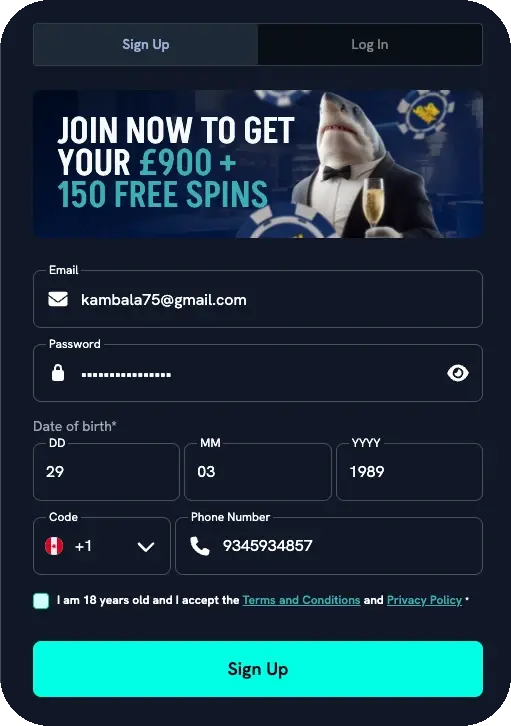
Casino Spin Shark Registration Process
Complete your SpinShark casino registration and start playing your favourite titles by following this process.
Time needed: 5 minutes
Registration process
- Fill in your personal details
Click “Join now” on the SpinShark website. Enter your full name, date of birth, email address, and phone number in the fields provided.
- Set a password
Choose a strong, unique password for your account. If you are registering on a public or shared device, do not save the password in the browser.
- Accept the terms and conditions
At the bottom of the registration page, check the box to confirm that you are 18 years of age or older and that you have read and agreed to the casino’s terms and conditions.
- Make your first deposit
Deposit a minimum of £20 to activate the welcome offer: up to £900 in bonus funds plus 150 free spins.
- Verify your identity
Submit a valid ID document to complete profile verification. This step is required to enable withdrawals from your account.
If you can’t find it on the website or can’t sign up, then you might be outside the UK. Please note that our services are only available to players in the UK. Any additional casino SpinShark registration issues you face may be due to having another account with us. Doing so goes against our rules and may lead to profile termination.
SpinShark Login: How to Sign In to Your Account
Once your account is fully registered, the Spin Shark casino login process is seamless, taking less than 2 minutes. To sign in, just head to our page and click “Log in.” Provide your email address and password and complete the login process.
If you have 2-factor authentication, you will receive a notification on your second device. This will allow you to approve all login requests, further boosting account safety. If you still can’t log in to your account, then it might be due to a wrong password.
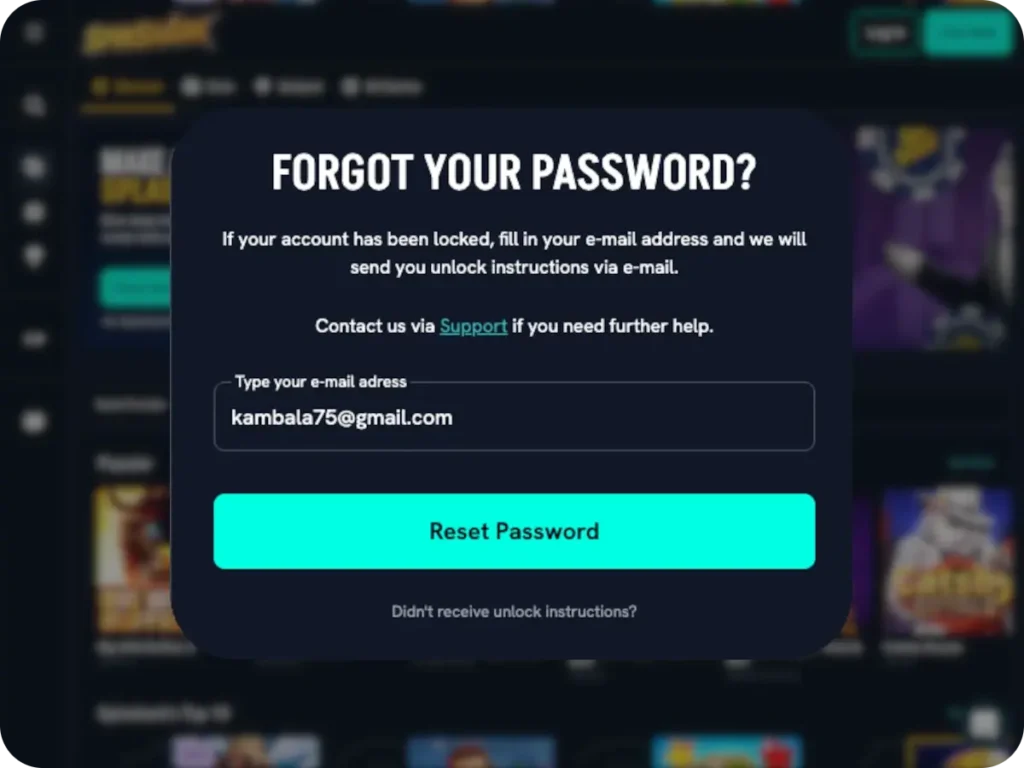
Instead of struggling with incorrect passwords that might cause an account lock, use the “Forgot your password” tab. This will allow you to reset your password manually. If your account has been locked, you can use this feature to request unlock instructions. If you still can’t access your profile, then you can contact us directly via live chat or email and attach your casino SpinShark login details.
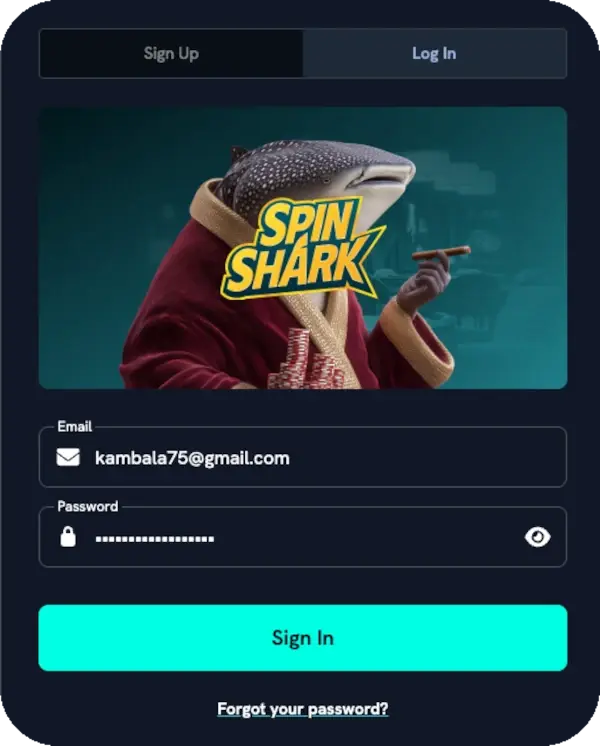
Register and Log In via Mobile Devices
The SpinShark registration and login process is the same even when using our progressive working app on a mobile device. Although we have no app on the Google and Apple stores, our website is fully mobile optimised, meaning gamers can turn it into a progressive web app.
Even better, our PWA works well on phones and tablets, meaning you can enjoy thesame instant registration and login process on your mobile device. Aside from registering your account, you can also complete procedures like profile verification, deposits and withdrawals.
How to Complete SpinShark Verification (KYC)
SpinShark casino verification is the next step after completing your registration. It enables withdrawals while allowing you to accumulate points and ascend our VIP table. To complete your KYC, you need the following documents.
- ID document: Passports, driver’s licences or any other official government documents
- Address: Utility bill, phone bill or bank statement with your name and address fully indicated.
- Payment: Screenshot or photo from online bank, bank statement or transaction receipt, showing the deposit.
We also provide phone verification, which is handled by customer support. Additionally, Spin Shark verification is handled quickly but might require extra time in special cases. Still, you can check the status of your documents via your profile tab.
Sign Up Bonus Activation
After your successful SpinShark sign up and deposit £20, you qualify for our welcome bonus of 150% up to £900 + 150 free spins. Players receive 30 free spins each day for 5 days. The wagering requirement for our welcome bonus is 40x. This means you must wager 40x the bonus amount you want to withdraw. For instance, you will need to wager £4000 to withdraw £100 in bonus money. Other details of our welcome offer include:
- Maximum wins from free spins are capped at £300
- Bonus funds must be used within 10 days of being credited
- Wins from free spins must be activated within 7 days, or they expire
- Unused free spins expire 3 days after activation
- Free spins are available on Better Bass Cash by Jacks
How to Permanently Delete an Account at SpinShark Online
You can delete your account in a few minutes by completing the following steps.
- Head to the profile section after your SpinShark login.
- Remove all funds from your account. This includes real money and bonus funds.
- Head to our customer support and request to speak to an agent. Our live chat is available 24/7, ready to give instant responses to all player queries.
- Request account closure.
After completing the following steps, the agent will process your profile closure and inform you by email once complete.
Whether you are requesting account closure for self-exclusion purposes or you no longer need our services, once complete, most of your information will be removed from our platform, and you will no longer receive emails from SpinShark Casino. Please note that you can also request self-closure directly via our customer support.
How we protect your Spin Shark Casino Login Details?
Your information is secured after each login using high-end encryption. In line with our privacy policy, we don’t share user data with third-party services. Additionally, we allow players to set up 2-factor authentication, allowing them to authorise each login request via code sent to their second device.
Terms and Conditions: Key Rules for British Players
Using Spin Shark Online Casino services is subject to our Terms and Conditions, which include the following.
- Players who are below the age of 18 are not allowed to use our casino services.
- Gamers are only allowed to have and operate a single account. Creating a second profile is against the rules and may result in the suspension or termination of the account.
- We may ask for additional documents or delay your payments pending our internal identity checks.
- We have a maximum profit limit for all the casino games for 24 hours. However, the limit does not include the profits from the progressive jackpots.
- Bonus payments are subject to certain rules that need to be fulfilled for the winnings to be withdrawn.


