 Casino
  Promos
  Sign Up
  Search
 Discover
  Slots
Slots  Jackpot
  All Games
 SpinShark Casino App: Download Guide and Features
Our website is built to work on mobile as well as on a desk, bringing you thousands of games from renowned providers like Betsoft and BGaming. You don’t need to go to the App Store or Google Play to download Spinshark app. With a few steps, you can turn our mobile-optimised website into a standalone APK on your phone.
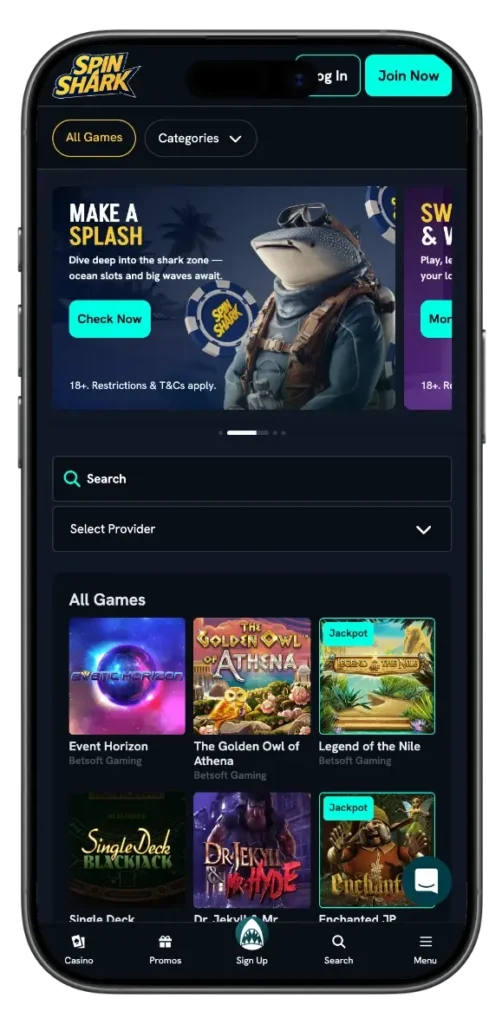
The app works well on Android and iOS, allowing you to do everything from deposits to withdrawals and claiming bonuses. Using our mobile APK, you can enjoy 3D live casino games with HD video streaming. This page will cover how to start using the Spin Shark Casino app.
SpinShark App: Where to Start
You can use the SpinShark casino online as a mobile app by completing the following steps:
Time needed: 5 minutes
App download process
- Download the APK file
Visit the SpinShark website on your mobile device and download the casino as a progressive web app (APK). The file is available directly from the site — no third-party app store is required.
- Create an account
Once the app is installed, open it and register a new account. Enter your personal details: full name, email address, and phone number. If you already have an account, simply sign in.
- Make your first deposit
Add a minimum of £20 to your account balance. This is required to access real-money games and to qualify for the welcome offer.
- Claim the welcome offer
After depositing, activate the welcome bonus: 150% match up to £900 plus 150 free spins. Make sure to claim it before you start playing.
Our services are only available to individuals 18 and above. If you are below 18, you can’t open an account.
Spin Shark Casino App: Easy Installation on Android
You can install the SpinShark apk on Android devices by completing the following steps.
- Go to your Chrome app and open the casino site.
- Find the Menu Icon on the right side of the browser.
- Click on “Add to Homescreen”, and our Site will appear as a progressive web app. You can rename this shortcut to “SpinShark casino” to make it easier to find.
SpinShark App: Simple Setup on iOS
- You can download our app on iPhones and iPads in less than 2 seconds.
- Find the Safari app and head to Casino Spin Shark.
- Click on the Share button and scroll to “Add to Homescreen.”
- Complete the download and sign in.
Supported Devices & Requirements
| Operating System | Devices | Requirements |
|---|---|---|
| iOS | iPhones, iPads, MacBook | iOS Version 10 |
| Android | Phones, iPads, Chromebook | Android Version 5.0 |
| Windows | Phones, Laptops | Windows 8.0 and above |
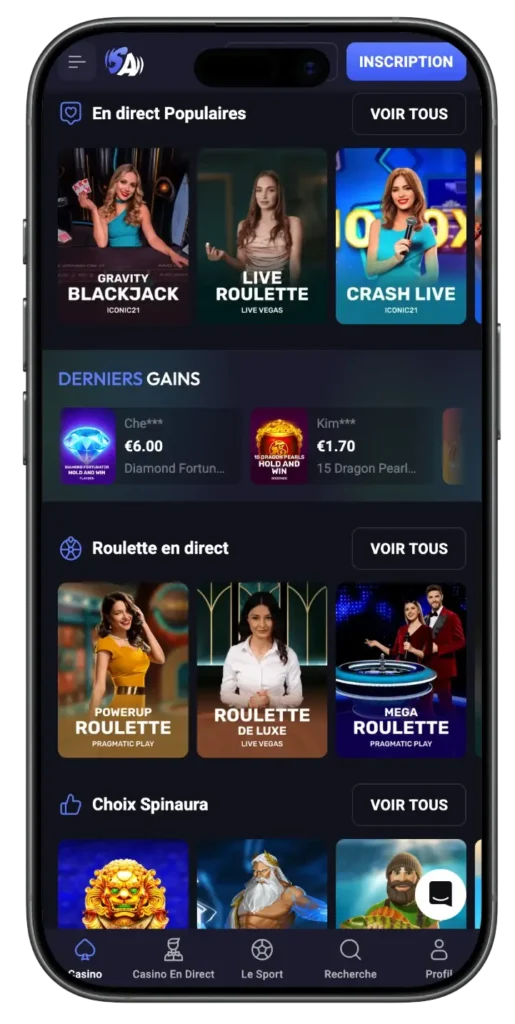
You can download the Spin Shark PWA on almost any device. Additionally, the progressive web app takes up much less space than a dedicated APK. This makes it download and usage more storage efficient.
Mobile User Experience
The Spin Shark Casino’s interface differs slightly depending on the device you are using. Phones have smaller screens, meaning the text and on-page features adjust. This might result in less visibility when you are playing table games like Baccarat or Blackjack.
However, switching to an iPad gives you the convenience of a larger screen with intuitive touch features. Mobile devices perform better with 3D streaming, making them a favourite among live casino lovers.
Casino Spin Shark app has the same interface as our mobile optimised site. This means you enjoy features like:
- Intuitive search function that allows you to navigate thousands of games using filters like providers, themes
- Payment support allows you to make deposits and withdrawals directly on your mobile phone
- Live chat support that allows you to speak with human agents in minutes
- A notification bar that shows you the latest updates and new promo offers
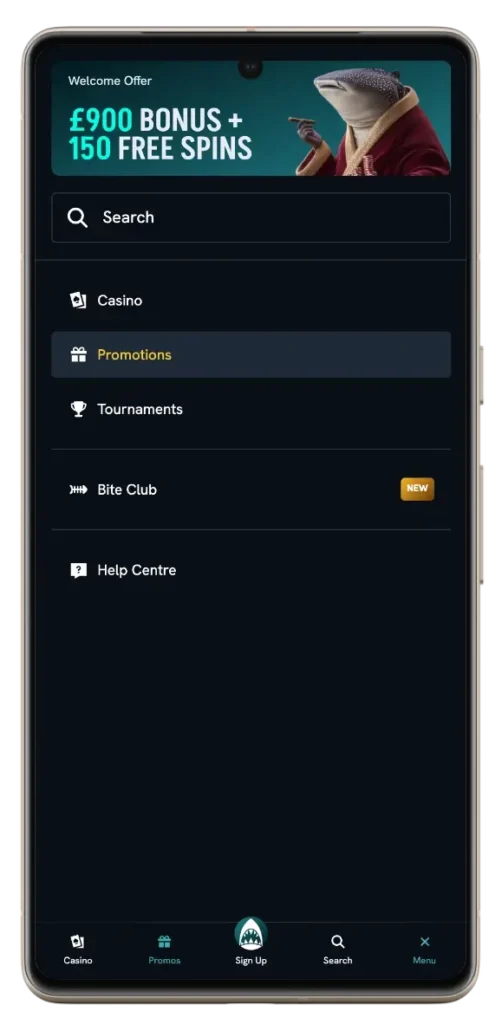
- Dedicated promotions page that allows you to find the latest offers
How to Register and Deposit Using SpinShark Casino App
To sign up and fund your account using the Spin Shark app, complete the following steps.
- Click “Join now” and fill in your personal details.
- Select a strong password and don’t save it if you are not using a personal device.
- Deposit £20 to start playing games. You can deposit using either fiat or cryptocurrency.
Please note that the exact minimum deposit will depend on your selected payment method. Additionally, some payment methods like eWallets and crypto exchange firms might require a separate processing fee, which increases the overall amount you pay.
Although you can start funding your casino SpinShark account right after registration, you will need to verify your identity before you can withdraw any funds. Account verification is straightforward. You only need to submit the required documents, and our team will verify your account after processing.
Benefits of Using SpinShark Mobile App
The core benefits of using our SpinShark casino app include:
- Better performance on mobile devices. Many of our video slots are optimised to perform better on mobile devices. Mobile phones and iPads usually have better internet connectivity, making them ideal for live video streaming of real dealer games.
- Easier to access. The mobile app is more handy, allowing you to play your favourite games anytime you want. Instead of being confined to a desktop or laptop device, our entire casino library and its thousands of games are always just a click away.
- More security: Signing in to your account on public devices like laptops or desktops incurs security risks. You can prevent this by only using Spin Shark App on your phone. This way, you can enjoy the “Remember me” feature that allows you to log in without inputting your password every time.
- Stay updated. Aside from regular SMS and email updates, you can easily find the newest promos and tournaments with a simple scroll.
Bonuses for Mobile Players
You can claim the following mobile offers directly from the casino SpinShark app.
- Welcome Offer: 150% up to £900 + 150 free spins for your first £20 deposit
- Fin-Tastik Monday: 50% up to £250 + 30 free spins unlocked with a £30 deposit
- Sharkback Tuesday: 10% cashback on all losses on all live games
- Reefmates Thursday: Free Spins, Bonus or Cash Rewards
- The Bubbly Friday: 60 Free spins for each £30 deposit
- Weekend with a Bite: 88% up to £88
- Baby Shark Sunday: £10 cash bonus for a £30 deposit
You can easily claim bonuses by inputting the attached codes. You can find these codes in the Promotions tab on our SpinShark casino app. When claiming bonuses, keep in mind wagering requirements and the bonus terms and conditions. Also, remember that once activated, bonuses have expiry dates, so ensure you use them on time.
Security and Data Protection on the Spin Shark App
Spin Shark casino app leverages the following measures to maintain maximum safety for your personal data. Firstly, we use high-end data encryption that ensures your information cannot be read by third parties.
Secondly, our Know Your Customer (KYC) measures are in line with our anti-fraud policies. Even when you collect your personal information needed for account verification, it remains 100% secure and encrypted. Additionally, we allow users to turn on 2 factor authentication. This means that we will send you a code after each login request.
Our privacy policy also prohibits any sharing of user information unless we are compelled by government authorities to do so. Finally, if you terminate your account with us, we will remove all user data stored on SpinShark Online.


